
Find any file by what's inside it — not just its name.
Full-text search across PDFs, Office docs, scanned images (OCR), and video captions — all running fully on your machine. File content, search history, and indexes never leave your device.
7-day trial, full app access, no credit card.
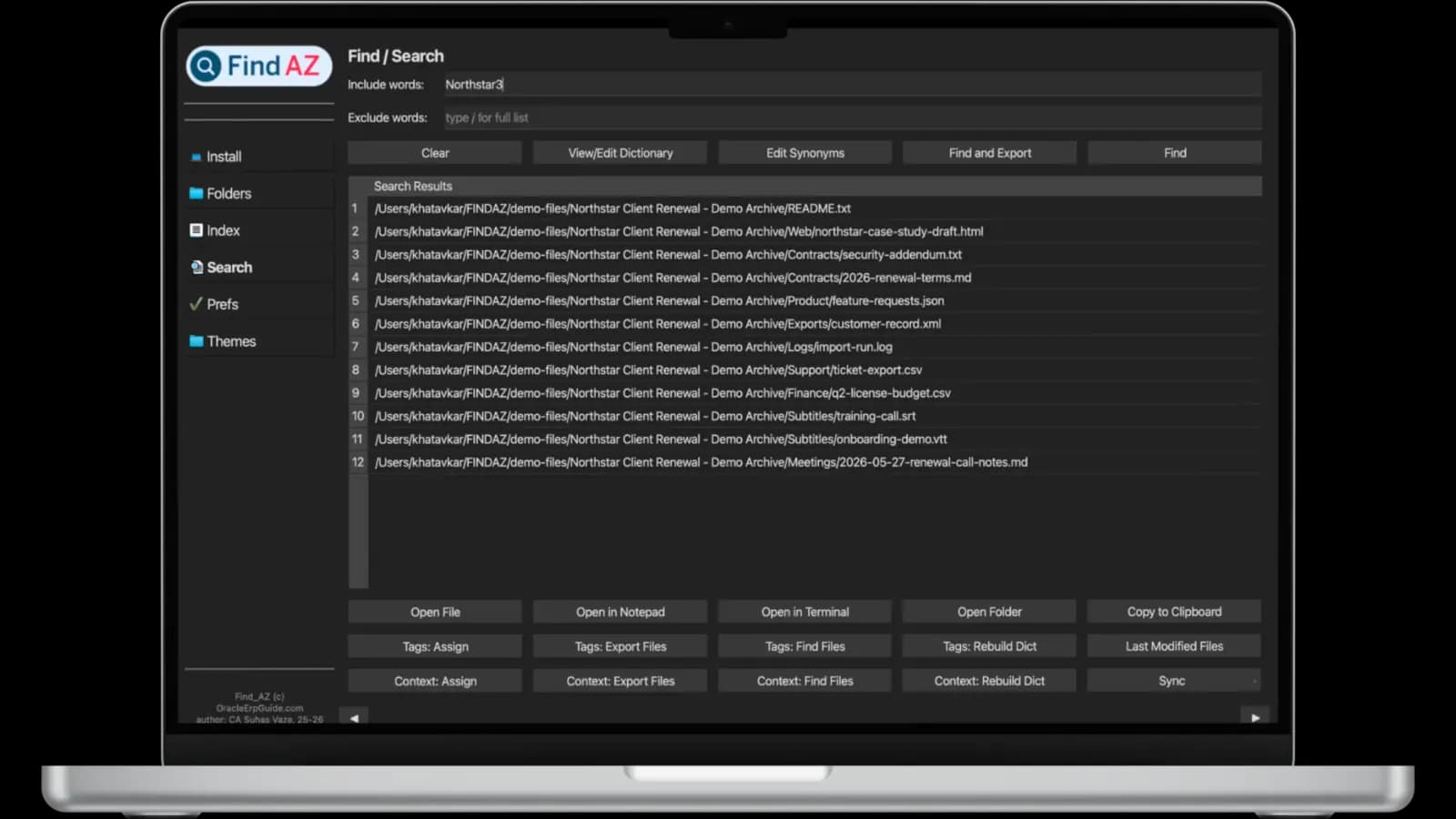
See how Find AZ finds the file you actually need.
Watch animated examples of content search, file-name scoping, exclude words, tags, OCR, synonyms, video transcript search, and open-folder actions.
Open the matching document from a content search.
Search inside the document body, then jump straight to the file preview with the matched words highlighted.
Find text that only exists inside an image.
OCR turns screenshots and scanned files into searchable results, then shows the exact match in context.
Find the exact moment in a transcript.
Search a spoken phrase and open the video preview at the matching transcript timestamp.
Make searches match your terminology.
Connect related terms so one search can find the words your files actually use.
Explore all features
Every way Find AZ can find the file you actually need — picked from the demos above.
Add the name-only scope when you want matching file names without content-only results.
If it has text in it, Find AZ can find it.
Every format below is indexed locally — no uploads, no conversions, no third-party services.
Documents & Text
Microsoft Office
LibreOffice / ODF
Images - OCR
Apple iWork
Video - Captions
Built for people who work with a lot of files.
Knowledge Workers
Stop re-downloading documents you know you saved somewhere. Find any paragraph in any file, instantly.
Researchers
Search across thousands of PDFs, including scanned papers, without leaving your machine.
Media & Archive Managers
Search the content of your media library, not just filenames. Subtitles, documents, and images — all indexed.
Legal & Compliance
Find clauses, signatures, and specific language across local document archives with no cloud exposure.
Teams & Enterprises
Roll out local-first search across your org. Free to try today; admin controls and team licensing coming soon.
Stop searching for files. Start finding them.
Content search, OCR, and video captions — all in one local-first desktop app. Try every feature free for 7 days, no credit card needed.